Warengruppen-Profile
Zweck
Warengruppen-Profile (ProductGroupProfile) sind die zentrale Mechanik, mit der pro Mandant gesteuert wird, welche Warengruppen und Hersteller-spezifischen Konditionen sichtbar sind. Ein Mandant ist über Client.productGroupProfileId mit genau einem Profil verknuepft — und sieht ausschliesslich Produkte aus den Warengruppen dieses Profils.
Voraussetzungen
Berechtigungen (CASL)
| Action | Subject | Wirkung | Keycloak-Rolle |
|---|---|---|---|
view | FE_ProductGroupProfile, ProductGroupProfile | Liste/Details aufrufbar | — |
create/update/delete | ProductGroupProfile | Pflegen | APP_SPEAMCORE_CREATE/UPDATE/DELETE_PRODUCT_GROUP_PROFILE |
view | ProductGroupProfileProductGroup | Tab Warengruppen sichtbar | APP_SPEAMCORE_VIEW_PRODUCT_GROUP_PROFILE_PRODUCT_GROUP |
view | ProductGroupProfileProductGroupManufacturer | Sub-Liste Hersteller pro Warengruppe | APP_SPEAMCORE_VIEW_PRODUCT_GROUP_PROFILE_PRODUCT_GROUP_MANUFACTURER |
Schritt-für-Schritt-Anleitung
Profil anlegen
- Warengruppen-Profile (
/product-group-profiles) → + Neu. - Name vergeben (z. B. „Brandschutz-Errichter Standard").
- Im Tab Warengruppen die freigegebenen Warengruppen ergaenzen.
- Pro Warengruppe optional die Liste der Hersteller mit individuellen Discount-Werten (Sub-Route
/product-group-profiles/:id/product-groups/:pgId/manufacturers).
Mandanten zuordnen
Client.productGroupProfileId zeigt auf das Profil. Änderung erfolgt typischerweise über die Mandanten-Verwaltung (administrative Operation).
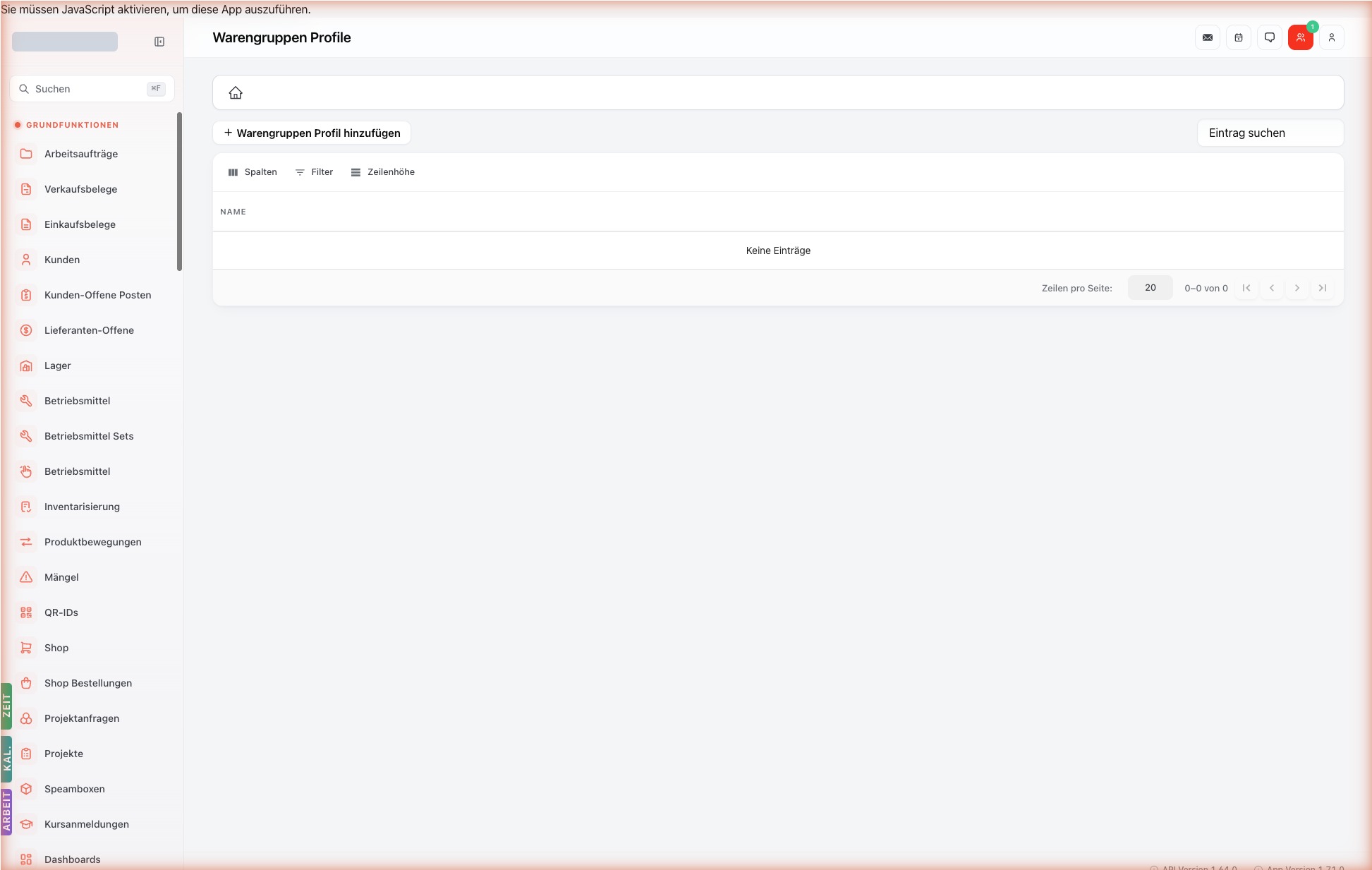
Toolbar (Detail-Seite)
Schlanke Toolbar oben rechts:
| Icon | Aktion (aria-label) | CASL | Wirkung |
|---|---|---|---|
| ← | Zurückgehen | — | Zurück zur Liste. |
| 🏠 | Zur Startseite gehen | — | Springt auf das Dashboard / /. |
| ⏮/◀/▶/⏭ | Pagination | — | Navigation durch die gefilterte Liste — Massen-Bearbeitung ohne Liste-Sprung. |
Globale Floating-Drawer (links)
Wie auf jeder Detail-Seite verfuegbar — siehe Floating-Quickbar:
- KAL. (Mini-Kalender)
- ZEIT (Persoenliche Wochen-Arbeitszeit)
- ARBEIT (Eigene bevorstehende Aufträge)
UI-Elemente
Tab: „Warengruppen"
Sub-Liste aller ProductGroupProfileProductGroup-Einträge für dieses Profil. Pro Warengruppe wiederum eine Sub-Liste der Hersteller-Einträge.
Felder und Eingaben
| Feldname | Pflicht | Datentyp | Beschreibung | Wirkung beim Ausfuellen | Voraussetzung |
|---|---|---|---|---|---|
name | ja | String | Bezeichnung des Profils. | Erscheint in Mandanten-Verwaltung und Reports. | — |
Sub-Felder pro ProductGroupProfileProductGroupManufacturer
| Feldname | Datentyp | Wirkung |
|---|---|---|
manufacturerId | UUID | Hersteller, dessen Produkte mit Discount belegt sind. |
discount | Float | Mandanten-spezifischer Rabatt pro Produkt-Kontext. |
discountType | Enum | percentage oder fixed. |
Anlege-Pattern
ProductGroup und ProductGroupProfile strukturieren Produkte hierarchisch für Filter, Reports und Sonderkonditions-Regeln.
ProductGroup— flache oder hierarchische Klassifikation (z. B. „Brandmelder", „Sirenen", „Ventile").ProductGroupProfile— kunden-/branchen-spezifische Sicht auf eine Gruppe (z. B. „Bestseller für Industriekunden").
Zuweisung Produkt → Gruppe(n) erfolgt am Produkt-Stamm (/products) über productGroupIds (Multi-Select).
Wiederverwendbare Konzepte
- Mandanten-Konzept — Trennung zwischen SpeamID-Identitaet und Mandanten-Mitgliedschaft.
- Berechtigungen verstehen (CASL)
Verknuepfungen zu anderen Modulen
- Mandant (
Client) —productGroupProfileId. - Produkte — Filter
Product.productGroupId IN (allowedProductGroupIds)überbeforeFind-Hook. - Hersteller — pro Warengruppe individuelle Discount-Werte.
Häufige Fehler und Lösungen
| Fehler | Lösung |
|---|---|
| Mandant sieht keine Produkte | Profil hat keine Warengruppen — im Tab Warengruppen ergaenzen. |
| Discount greift nicht | manufacturerId und discountType muessen passend zu Produkt-Kontext sein. |
API/Schnittstellen
| Methode | Endpoint | Zweck | CASL |
|---|---|---|---|
GET | /api/product-group-profiles | Liste | view ProductGroupProfile |
GET | /api/product-group-profiles/:id | Detail | view ProductGroupProfile |
POST | /api/product-group-profiles | Anlegen | create ProductGroupProfile |
PATCH | /api/product-group-profiles/:id | Ändern | update ProductGroupProfile |
DELETE | /api/product-group-profiles/:id | Soft-Delete | delete ProductGroupProfile |
Versionshinweise
- 2026-04-29: Initiale Veroeffentlichung.